
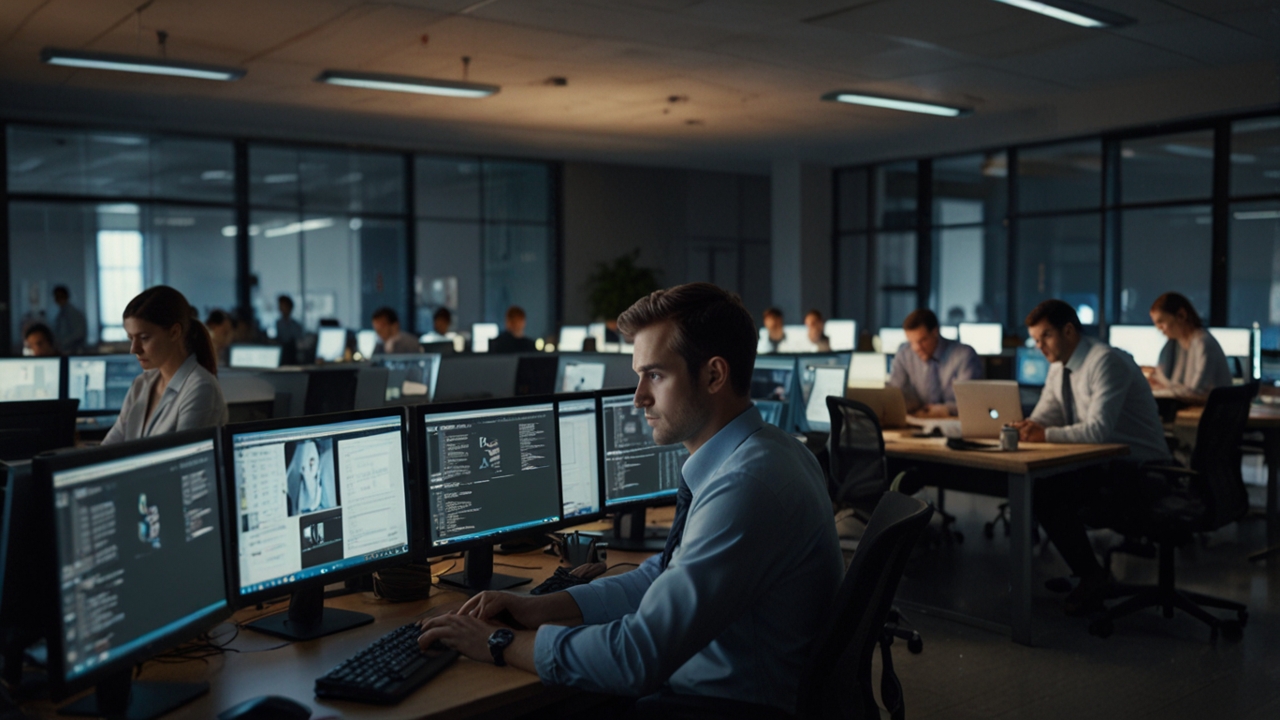
Email was once considered the backbone of workplace communication, but in modern corporate environments, it has become more of a burden than a solution. Employees receive dozens, sometimes hundreds, of emails daily, making it increasingly difficult to identify which messages truly require attention. Important announcements often get buried under newsletters, CC threads, and automated notifications, resulting in missed updates and delayed responses. This overload doesn’t just slow down communication—it creates mental fatigue, reduces productivity, and increases the likelihood of errors.
The inefficiency of email becomes even more evident in fast-paced corporate settings where timely communication is critical. Teams often rely on email for announcements, updates, reminders, and even urgent alerts, but the lack of visibility means these messages depend entirely on whether someone opens and reads them. Unlike real-time communication tools, email operates passively, requiring employees to constantly check their inboxes. This leads to fragmented workflows, where workers are repeatedly interrupted, breaking focus and reducing overall efficiency.
Furthermore, email overload contributes to communication silos within organizations. Departments may send out information that never reaches the intended audience due to poor targeting or disengagement. Employees may ignore non-essential emails altogether, causing them to miss critical updates. As companies grow, this problem compounds, making it clear that relying solely on email is no longer sustainable. Businesses must explore more dynamic and visible communication solutions to ensure clarity, engagement, and efficiency.
What Are Smart Office Displays and How They Work
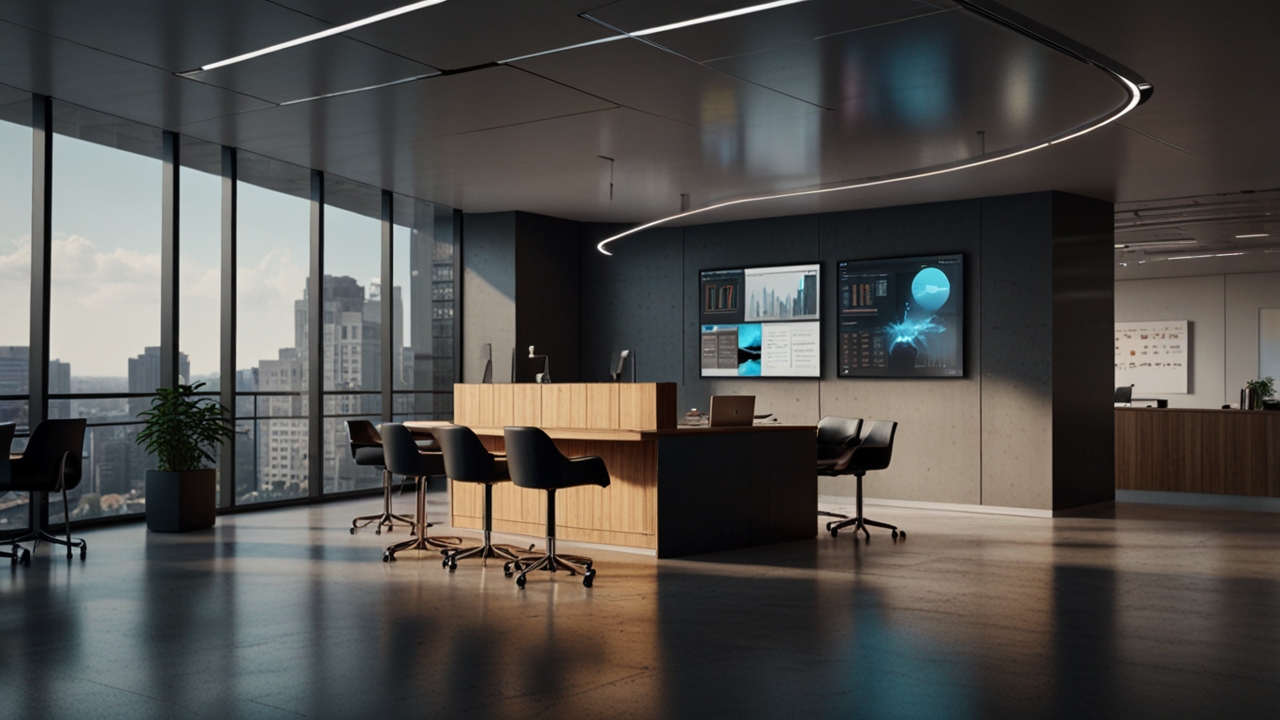
Smart office displays are centralized digital screens strategically placed around the workplace to deliver real-time information to employees. These displays can show a variety of content, including company announcements, performance metrics, meeting schedules, reminders, and emergency alerts. Unlike emails, which require active engagement, smart displays present information passively yet effectively, ensuring that key messages are seen by everyone without requiring additional effort.
These systems are typically powered by cloud-based content management platforms, allowing administrators to update and control what appears on screens from a single dashboard. Content can be scheduled, customized, and targeted to specific locations or departments, ensuring relevance and clarity. For example, a sales team might see performance dashboards and targets, while HR updates may be displayed in common areas. This level of customization makes communication more precise and impactful compared to traditional email blasts.
Another key advantage of smart office displays is their ability to integrate with existing business tools. They can pull data from calendars, project management software, and analytics platforms to display live updates. This transforms static communication into dynamic, data-driven insights that employees can act on immediately. By delivering information visually and in real time, smart displays reduce dependency on email while enhancing awareness and alignment across the organization.
Enhancing Workplace Productivity Through Visual Communication
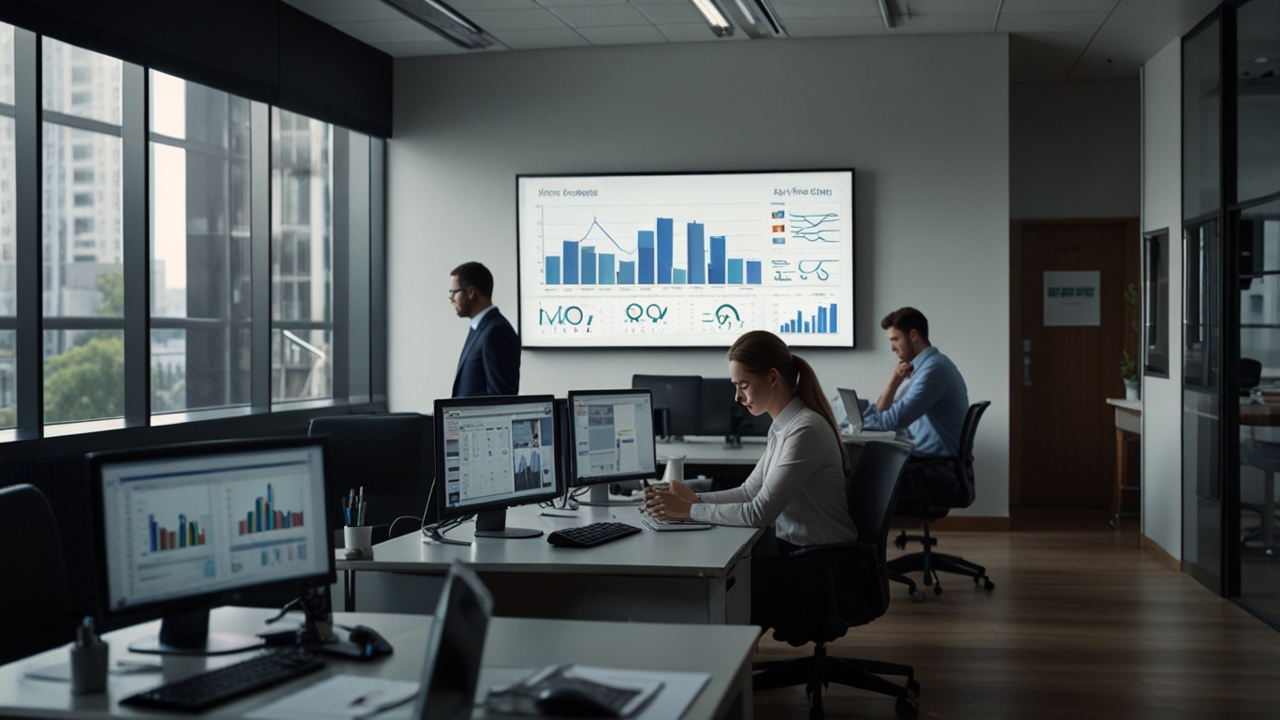
Visual communication is inherently more engaging and easier to process than text-heavy emails. Smart office displays leverage this advantage by presenting information in a clear, concise, and visually appealing format. Charts, graphs, and highlighted messages can quickly convey complex information, allowing employees to grasp key points at a glance. This reduces the time spent reading lengthy emails and helps employees stay focused on their core tasks.
By minimizing interruptions caused by constant email checking, smart displays create a more streamlined workflow. Employees no longer need to repeatedly switch between tasks and their inboxes to stay updated. Instead, they can absorb information naturally as they move through the office. This passive communication approach supports deep work, enabling employees to maintain concentration and complete tasks more efficiently.
Additionally, smart displays foster a sense of transparency and alignment within teams. When everyone has access to the same real-time information, misunderstandings are reduced, and collaboration improves. Teams can stay aligned on goals, deadlines, and performance metrics without relying on endless email threads. This not only boosts productivity but also enhances overall workplace morale, as employees feel more informed and connected to the organization’s objectives.
Improving Employee Engagement and Information Retention
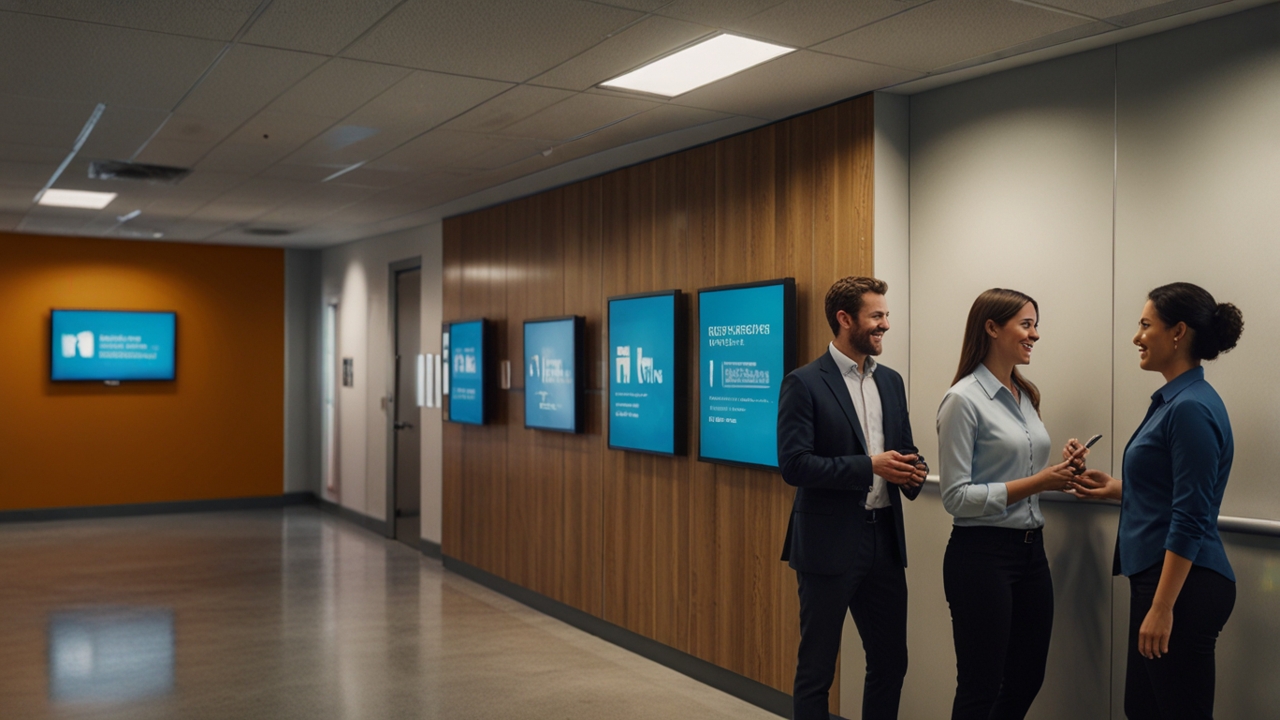
One of the biggest challenges with email communication is low engagement. Employees often skim through messages or ignore them entirely, especially when inboxes are overloaded. Smart office displays address this issue by presenting information in a way that naturally captures attention. Positioned in high-traffic areas such as lobbies, break rooms, and hallways, these displays ensure that messages are seen multiple times throughout the day.
Repetition and visual reinforcement play a significant role in improving information retention. When employees see important updates displayed consistently, they are more likely to remember and act on them. Unlike emails that disappear once read or ignored, smart displays keep key messages visible until they are no longer relevant. This continuous exposure helps reinforce company priorities, policies, and announcements effectively.
Moreover, smart displays can be used to highlight achievements, recognize employees, and share positive news. This creates a more engaging and inclusive workplace culture. Employees feel valued when their contributions are acknowledged publicly, and this can boost motivation and morale. By transforming communication into a more interactive and visible experience, smart office displays help organizations build stronger connections with their workforce.
Transitioning from Email to Smart Display Communication
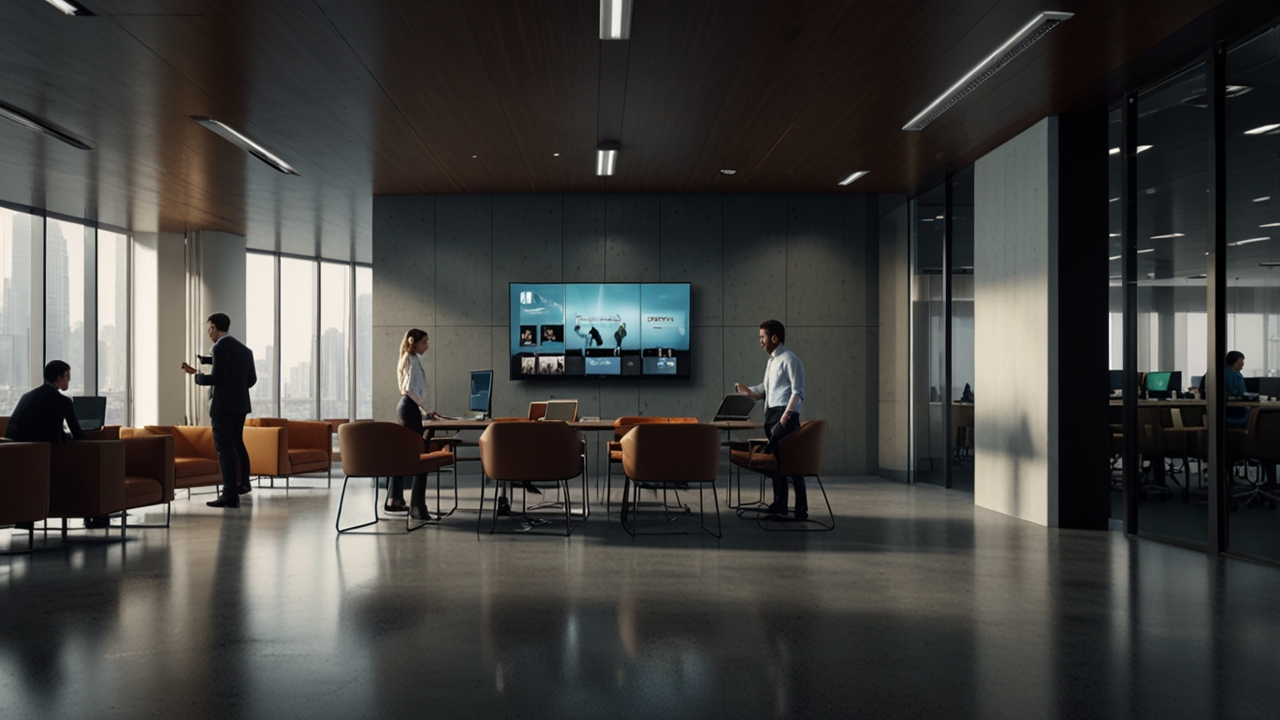
Shifting from an email-heavy communication model to one that incorporates smart office displays requires careful planning and strategy. Organizations must first identify the types of information that are best suited for display screens, such as general announcements, reminders, and real-time data. Not all communication should be replaced, but reducing reliance on email for repetitive and non-critical messages can significantly improve efficiency.
Implementation involves selecting the right hardware, software, and content management system. Displays should be placed in strategic locations where visibility is high, and content should be designed to be clear and visually appealing. Training teams to manage and update content is also essential to ensure consistency and relevance. Over time, employees will adapt to this new communication method, and reliance on email for internal updates will naturally decrease.
Finally, organizations should continuously evaluate and refine their communication strategy. Feedback from employees can help identify what works and what needs improvement. By combining smart displays with other communication tools, businesses can create a balanced and effective system that minimizes overload while maximizing clarity. The result is a more connected, productive, and engaged workplace where information flows seamlessly without overwhelming employees.
RELATED POSTS